Building software
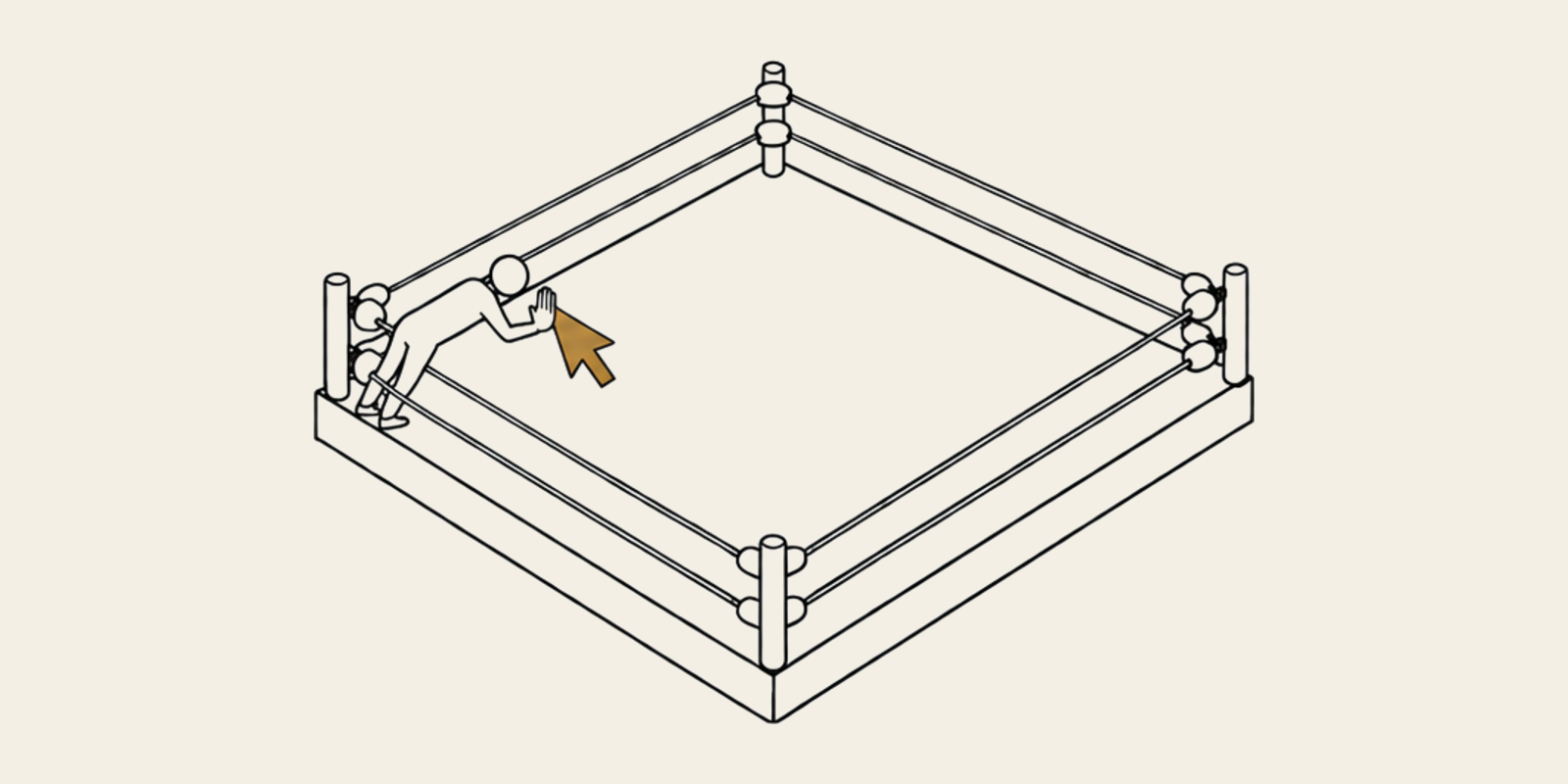
Sharing a browser with my agents is like tag team wrestling
Browser control has been slow, expensive and interruptive. Ego’s browser fixes most of that by letting me and my agents tag in and out.
A caveat up front: I’m only writing from my perspective, experience and setup. I’m not doing comprehensive audits and testing, just sharing what’s working for me.
I’ve started to use browser control a lot. My agents fill out forms and book appointments, not to mention managing various SaaS platforms.
There have been a lot of challenges to a quality browser control experience:
- Slow. Partly model related, but meaningful.
- Expensive. It has been an easy way to burn a ton of tokens very quickly.
- Interruptive. Most of the solutions I’ve seen either pop a browser window up in front of whatever you’re working on or work inside the same Chrome you’re using (Claude in Chrome, for one). That’s a far less effective way to delegate work if you have to sit and stare at it working before you get control back.
- Less secure. Your primary browser probably has tons of data you may not want to give to an agent, unfettered. You could run a second browser, but that’s heavy.
That’s why I was so excited to find ego-browser.
The good folks behind Ego have solved or improved upon all of those issues. They’ve hit on a novel way to manage the nuance of sharing (and sometimes collaborating inside) a browser with agents.
Ego’s version of Chrome looks and behaves exactly like the Chrome you’re used to. The one major difference is a button and indicator in the top right of the window. That button opens a different area of the browser where you and your agents collaborate.
When it’s in the background, your browsing and all other computer activities are undisturbed. No windows popping up, no suddenly losing control of what you’re doing.
The button has an activity animation and shows the number of open agent sessions. When clicked, it opens the agent collaboration view. There’s a persistent option to “take over” that hands control of that session to you. You can then, at any point, click “return to agent.”
It’s like tag team wrestling.
Getting your agent using Ego is also very easy. It comes with Claude and Codex skills. Once you install the app and the skills, it just works.
- It’s free, and the agent tools are open source.
- It’s a fully functioning Chrome browser, with your accounts, your extensions and your customization intact.
- It doesn’t take over your computer to use the browser.
- It’s very fast.
- It’s Mac only for now.
The most common way I use it is taking over for a moment to authenticate a site before returning control to the agent, having avoided putting my login details into the chat. Though just yesterday I used it to log in to Google Search Console to make some changes and fill out an online form.
It’s not all perfect. I have a couple of small but significant issues.
The agent has to start browser sessions. I wish I could start a browser session, realize I want help, and just hand it to an agent. Right now, if an agent is involved, the session has to be started by an agent.
Also, the “agent is in control of this session” animation is pretty heavy-handed and distracting. If I’m trying to watch what my agent is doing, I don’t want the screen partially obscured.
Overall, it’s a great tool to add to your kit.